

Sign up in under a minute

Bonus terms & conditions apply.
Richprize Casino Mobile App: iOS and Android Install
Richprize Casino App
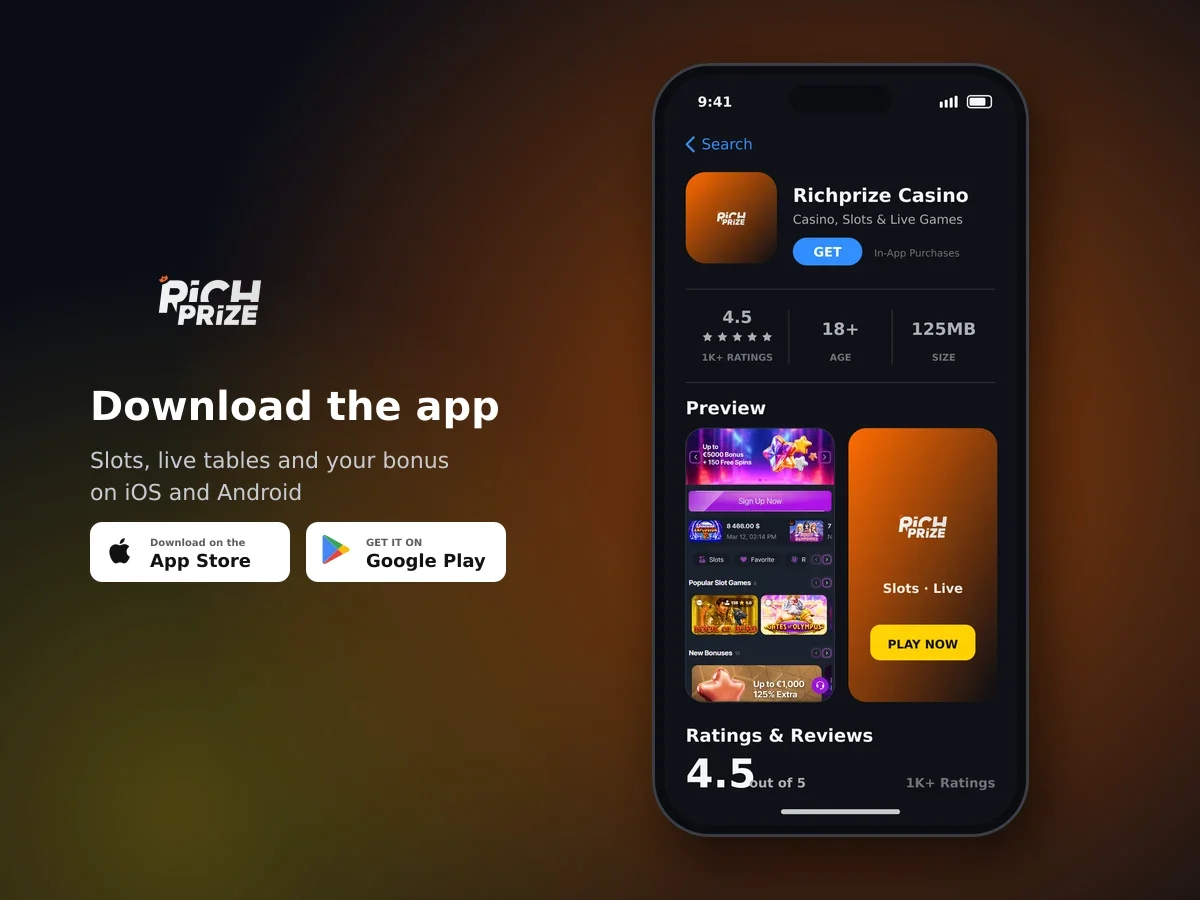
Richprize Casino
- 4.5 1K+ ratings
- 125MBSize
- 18+Age
- 25K+Downloads
What the app does once it is on your phone
The app runs on the same account and the same balance as the browser version, so nothing needs to be moved across. You get the full library of 13,597 games from 84 suppliers: slots, 29 live dealer tables, 40 original games, jackpot titles, crash games, keno, scratch cards, video poker, bingo and lottery games.
Richprize Casino built the apps for day-to-day use rather than for a single purpose, so the cashier, your bonus tiles and support sit a tap or two away from the lobby. The interface follows your language choice from English, German, Greek, French and Croatian.
- The whole catalogue, including live roulette, live blackjack, live baccarat and live shows
- A cashier with cards, e-wallets, prepaid vouchers, instant bank transfer and cryptocurrency
- Active bonus tiles with wagering progress and a cancel option on the same tile
- Deposit limits and time limits you switch on and off inside your profile
- Document upload for account verification in the Verify Documents part of your profile
- Live chat and email support at any hour
Installing on Android: My Play Market or the APK file
Android players have two routes. You can install through My Play Market, or you can download the APK file directly from us and install it yourself. Both give you the same app.
- Pick your install route
Choose the My Play Market listing if you prefer a store install, or take the direct APK download if you would rather handle the file yourself.
- Approve the install
If you use the APK, Android asks you to confirm before it installs a file from outside the store. Approve the prompt and the install finishes on its own.
- Open the app and sign in
Use the email address and password from your account. If the password has slipped your mind, the reset by email works the same way it does in a browser.
- Finish your email and phone verification
Both can be completed from My Profile: enter the address or number, tap Verify, then type the code we send you. A verified phone number and email keep promotions and status alerts flowing.
Installing on iPhone and iPad
There is a native iOS build as well. Start the install from our iOS option, let your device finish it, then sign in with your email and password. From that point the app behaves like the Android one: same lobby, same cashier, same promotions and the same live chat.
If you registered with a phone number or a cryptocurrency wallet rather than an email address, your login email can be set or changed by messaging our support team, and they will confirm once it is done.
Your first deposit in the app: 50% plus 50 free spins
We run a separate offer for players who fund their account through the app for the first time: 50% plus 50 free spins on that first in-app deposit. It sits alongside our welcome package of up to £5,900 and 100 free spins across your first four deposits at 30× wagering, from a £10 minimum.
One rule matters more than any other here: activate the promotion before you pay in. Most promotions are switched on with the Activate button under the banner on the bonus tile, and a deposit made before activation will not count towards that promotion's requirements.
How the wagering maths works
Wagering is calculated on the bonus amount, not on your deposit. Multiply the bonus by its requirement and you have the total you need to bet: a £10 bonus at 30× means £300 of qualifying bets. Wagering normally runs on slots, and each promotion carries its own game conditions, so the figures on the tile are the ones that apply to your bonus.
The app shows your progress inside the active bonus tile, so you can see how much of the requirement is left without asking anyone. The same tile carries a Cancel Bonus button if you would rather drop the bonus and play with your own funds. Withdrawals open up once a bonus you have started wagering is finished to its terms.
Start on your phone
Activate the offer first, pay in from £10 and your welcome package of up to £5,900 and 100 free spins runs across your first four deposits.
Paying in from the app cashier
The in-app cashier carries the same methods as the desktop one. You pick your currency when the account is created, and every amount in the app is shown in pounds for players in United Kingdom.
| Type | Methods |
|---|---|
| Cards | Visa, Mastercard |
| E-wallets | Skrill, Jeton, eZeeWallet, SticPay |
| Prepaid and voucher | PaysafeCard, CashtoCode, AstroPay |
| Bank and local | Instant bank transfer, Interac, Pay4Fun |
| Cryptocurrency | Binance Pay and crypto deposits |
Crypto is supported for deposits and an account can even be registered with a wallet. A £10 deposit is enough for the first deposit bonus, and we also run a 30 free spins offer on alternative payment methods from £20 and 25 free spins on a first crypto deposit from £30.

Your next big win starts here
Cashing out works from the app too. Payouts are capped at £10,000 per month, there is no win limit, and your account is fully verified before the first withdrawal is processed. The cashier shows the current limits for the method you have chosen.
Promo codes, cashback and tournaments on your phone
Promo codes go in the input field at the top of the promotions section and are confirmed with the checkmark button. Once a code is accepted, the matching bonus appears as a tile in your account with its own terms and its own wagering counter.
Weekly cashback of up to 15% lands every Thursday and carries 10× wagering, and crypto cashback of up to 15% is also available. Three tournaments are running from a list of nine, with prize pools of £500,000 on Formula Spin games, £300,000 on 1spin4win titles and £45,000 on Mancala Gaming titles. You join and track them from the app in the same place as everything else.
Staying in control on a device you carry everywhere
A phone is always to hand, which is exactly why the limits live inside the app. Deposit limits and time limits are set, changed or switched off from your user profile, with no message to support needed.
- Deposit and time limits - turned on and off in your profile whenever you want
- Self-exclusion from six months to five years - verify the account, message our support team with the length you want, then complete the self-exclusion form
- Account verification - a valid ID document, proof of address and proof of payment, uploaded in Verify Documents; the KYC check takes up to three working days unless we need something extra, and we notify you once your documents are approved
- BeGambleAware - a self-assessment test and further support information
- Internet filter software - worth running on a shared device to keep under-18s away from gambling apps
All connections are encrypted, we publish an AML policy, and we handle your data under GDPR. Cookie preferences stay in your own hands through your browser settings.
Getting help without leaving the app
Live chat is open at any hour and usually answers within a few minutes. Email support is there for anything that needs documents or a longer explanation, and our agents can confirm your verification status or your current loyalty level on request.
We also keep written help articles on the questions that come up most: how bonuses work, how cashback is credited, how to check verification status and what to do when a payment throws an error. Chat and support are available in English, German, Greek, French and Croatian.
Install the app and play
iOS and Android builds, 13,597 games, a cashier that takes cards, e-wallets and crypto, and 50% plus 50 free spins on your first in-app deposit.
Mobile App: questions and answers
Is there a Richprize Casino app for iPhone?
Yes, there is a native iOS app as well as an Android one. Install it on your iPhone or iPad, sign in with your email and password, and your balance and bonuses carry over as they are.
Can I install the Android app without using a store?
You can. We publish the Android app as an APK file you download directly from us, and your device will ask you to approve the install before it completes.
Do I need a new account to use the app?
No. One account covers the app and the browser version, so you sign in with the details you already have. Accounts can be created with an email address, a phone number or a cryptocurrency wallet.
Is there a bonus for depositing through the app?
Yes, your first in-app deposit carries 50% plus 50 free spins. Activate the promotion before you pay in, because a deposit made before activation does not count towards that promotion.
Can I play live dealer games in the app?
Yes. All 29 live titles are there, including live roulette, live blackjack, live baccarat and live shows, streamed in the app the same way they run in a browser.
Can I set a deposit limit from my phone?
Deposit limits and time limits are both managed inside your user profile in the app, and you can switch them on or adjust them yourself without contacting us.
How do I see how much wagering is left on a bonus?
Open the active bonus tile in your account section: the progress sits right on the tile, along with a Cancel Bonus button if you decide to drop it.
How much can I withdraw from the app each month?
The monthly withdrawal limit is £10,000 and no win limit applies. Your account needs to be fully verified before your first payout is processed, and the KYC check takes up to three working days.